

How to save data and battery while exploring the Canary Islands
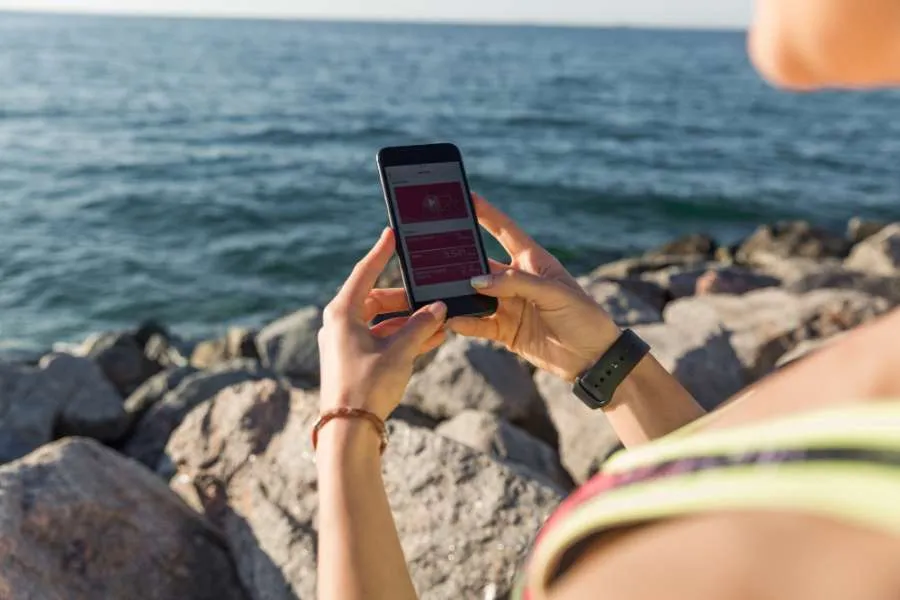
Packing for the Canary Islands usually means sunscreen, a good pair of walking shoes, and the eternal dilemma of which camera to bring. But there's one thing that tends to get overlooked until it's too late: keeping your phone charged and your data under control when you're out all day, far from your hotel and its Wi-Fi. A few simple habits before and during your trip can spare you the frustration of a dead screen when you need navigation the most.
Getting the most out of your battery on the go
The sun in the Canary Islands is generous, and so are the distances between one viewpoint and the next. If you're spending a full day hiking Teide or driving the winding roads of La Gomera, your phone will be working hard, and the battery will feel it.
Switching on Low Power Mode from the moment you leave your accommodation is one of the easiest habits to build. This quietly reduces background activity without affecting the things you actually use. Travelling with an iPhone 16 helps too, as its A18 chip handles GPS and camera use far more efficiently than older models, stretching your screen time noticeably further.
Screen brightness is worth paying attention to as well. In full Canarian sunshine, the instinct is to turn it up to maximum, but that drains the battery faster than almost anything else. Auto-brightness does a decent job of adjusting on its own, and a polarised screen protector can make a real difference outdoors, letting you keep the display at a lower setting without squinting. If you're planning longer excursions, a compact solar power bank is a practical thing to throw in your bag.
On the other hand, the background app refresh, push notifications for apps you won't open, and Bluetooth left on out of habit together quietly eat through your battery over the course of a day. A few minutes adjusting your settings before you head out in the morning can genuinely buy you an extra hour or two of use by the afternoon.
Keeping your data under control without missing a thing
With the battery sorted, the next thing to think about is your data. Roaming in the Canary Islands is covered under standard European rates for most UK networks, which is reassuring, but it doesn't mean unlimited browsing. A good first step is downloading offline maps before you fly. Google Maps and Maps.me both let you save entire islands to your phone, and they work without any connection at all, which is handy in the more rural areas where signal can be patchy anyway. With the recently launched iPhone 17 and the more compact iPhone 17e, which has attracted a lot of attention for bringing flagship performance into a smaller, more affordable format, on-device processing makes offline tools feel genuinely fluid, with none of the lag you might expect from older handsets.

During the day, it's worth saving anything data-heavy for the evening. Uploading photos, streaming music, catching up on videos, all of that is much better done over Wi-Fi back at your accommodation. Most apps have a data-saver mode buried somewhere in their settings, and enabling it across your browser and social media apps is a low-effort way to keep consumption in check without changing how you use your phone.
If you're considering upgrading your device before the trip, it's worth taking a look at Back Market, a leading global marketplace for verified refurbished electronics. You'll find quality-checked iPhones and Android handsets at much more accessible prices, a sensible option if you want a capable, up-to-date phone without spending a fortune just before a holiday.
Share: