
112 Canarias launches WhatsApp service for emergency and weather alerts
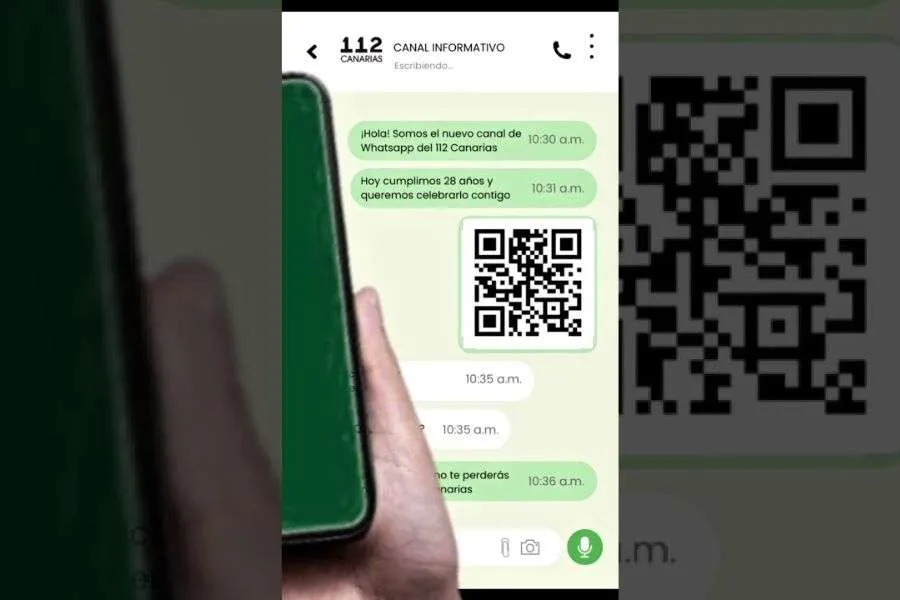
Residents and visitors in the Canary Islands can now receive official emergency alerts and safety advice directly on their mobile phones after 112 Canarias launched a new WhatsApp channel today.
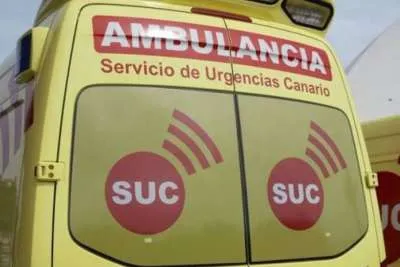
The service, introduced by the Canary Islands Emergency and Security Coordination Centre (CECOES 112), will provide updates on emergencies, major incidents, severe weather warnings and public safety information across the archipelago.
The launch coincides with the organisation’s 28th anniversary, which is on the 30th May. Officials say the new channel is designed to make important public information faster and easier to access through one of the world’s most widely used messaging apps.
Under the slogan “112 Canarias, now also in your chats”, the service aims to deliver clear and direct updates about situations that could affect residents, tourists and local communities throughout the islands.
Subscribers can expect information about serious incidents, weather alerts, safety recommendations, advice on dealing with accidents or dangerous situations, and other civil protection updates.
The new WhatsApp channel complements the organisation’s existing presence on social media platforms, where it already shares emergency information and public safety guidance.
Officials have said that the service is completely free to use and operates anonymously. Unlike standard WhatsApp groups, users cannot see the personal details of other followers or interact with one another through the channel.
Anyone with WhatsApp installed on their mobile phone, or using the web version of the app, can follow the channel and receive updates directly. Emergency services are also encouraging users to activate notifications, so they receive alerts as soon as they are published.
To follow the 112 Canarias WhatsApp channel:
1. Open WhatsApp on your phone or use WhatsApp Web.
2. Go to the Updates tab (where you find Status and Channels).
3. Tap Find Channels or use the search function.
4. Search for "112 Canarias".
5. Open the official channel and tap Follow.
6. To receive alerts as they happen, tap the bell icon in the top right corner to turn notifications on.
Share: